MediRoutes Web APP
Bug Fixes
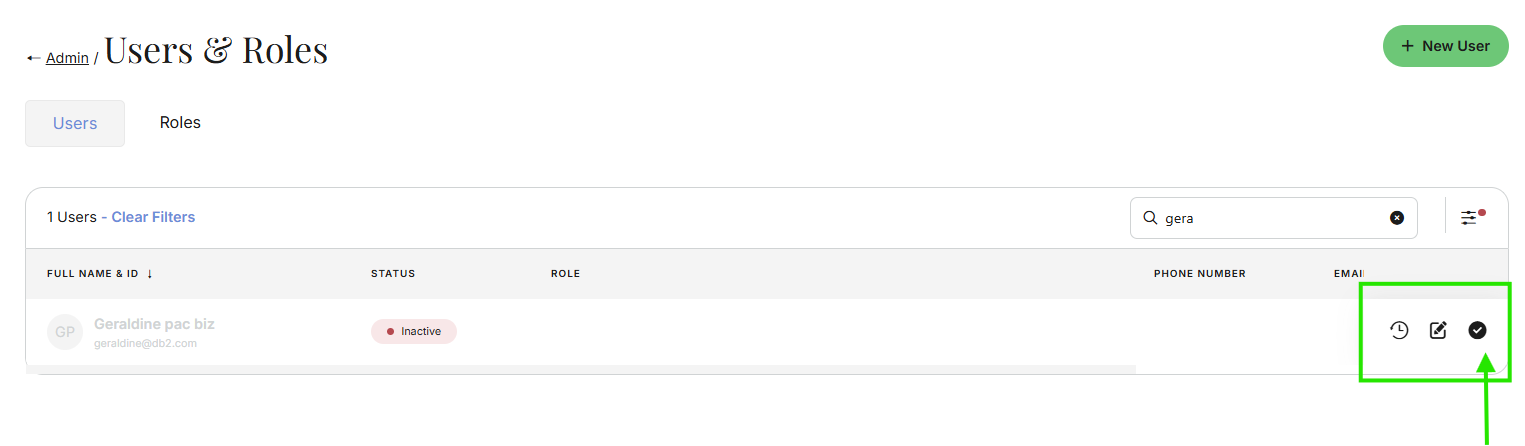
- User and Roles section: You can now change a User Account from Inactive to Active directly in Users and Roles. There’s no need to use the List tab in the Desktop app to reactivate a user account anymore.
- Under User and Roles ( in Desktop or Web App), search for an Inactive user account. Click Check mark, and Save. This will reactivate the User account.