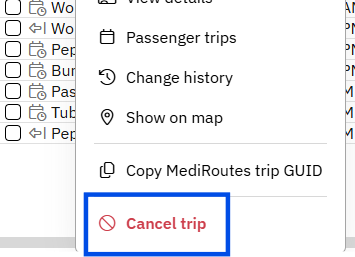
- Right-click the trip you want to cancel.
- Click
Cancel Trip - Click
Cancel Tripto confirm. - Right-click the canceled trip you want to bring back.
- Click
Uncancel Trip
Note: After you cancel, the trip is removed from the current list. There are a few ways to find the cancelled trip
- Use the
Omni Searchin the top righthand corner of Dispatch - Find all Cancelled Trips at the bottom of the
Unscheduled Tripslist - Use the
SearchorFilteroptions on the top right of the Trip List.