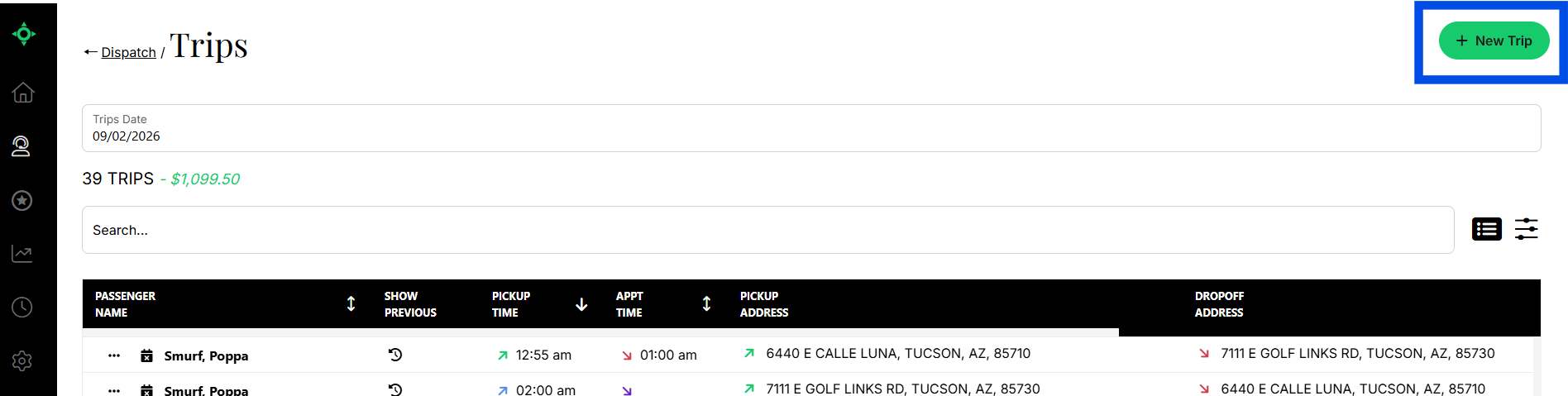
Manual trip entry is used when a trip request comes in directly — by phone, from a facility, or from a private pay passenger.
Before you begin: the passenger must already have a record in MediRoutes. If they do not, create the record first under Dispatch → Passengers → + New Passenger.
- Login to MediRoutes on the Web
- Click
Dispatch - Select
Trips - Click
+ New Trip - Complete all required fields
- Click
Save