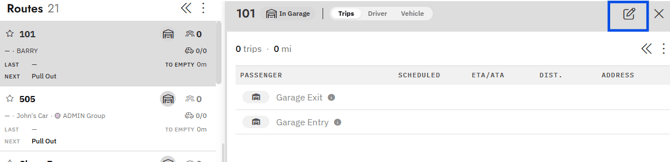
Use Route Management to update a route’s schedule, driver, vehicle, or garage for a single day when a driver starts later or stays later.
Note: Edits made here affect only the selected day. They do not change the regular route or future days. To make indefinite changes to a Route go to Admin -> Fleet -> Route Setup and click Edit
For more information Click Here
- Click the
Route - Click the
Edit Routeicon (paper and pencil) in the top right - Edit
Schedule,Driver,Vehicleand/orGarage Location - Click
Save